
I love design systems, but I do not love babysitting them. Tokens drift, components fork, documentation gets stale. Over the last year I have been leaning on AI to do more of the heavy lifting, while keeping humans in charge of what the product should feel like.
What I mean by an AI‑powered design system
When I say AI‑powered, I am not talking about a chatbot that answers “what size is our button.” I picture a system that can read its own tokens, notice when teams break rules, and help write the docs that explain how everything fits together. Tools in 2026 can already scan design files, generate tokens, suggest components, and keep code and Figma more in sync.
So the design system starts to behave less like a static library and more like an ecosystem that watches how it is used and adjusts itself over time.
What AI is actually good at here
In practice, AI is very good at the boring parts that humans are bad at keeping up with.
Some examples:
Turning messy Figma files into clean design tokens, with consistent naming and structure.
Spotting components that look almost the same and suggesting a single shared pattern.
Generating documentation pages, usage examples, and accessibility notes from the actual components that exist.
Checking designs against the system and flagging spacing, color, or type that falls outside the rules.
These are the kinds of jobs that can eat half a week for a design ops team. Letting AI handle them means people can spend more time on flows, content, and product thinking.
What humans still do best
AI can move pixels fast, but it does not own the story of the product. Things like brand voice, ethical choices, and what “good” actually means for a team still come from people. Research around ethical AI design also keeps pointing out that humans need to set the guardrails for fairness, privacy, and how much automation is acceptable.
So I treat AI more like a very fast junior teammate. It can propose tokens, layouts, and docs. I am the one who says yes, no, or “interesting, but not for this product.”
Making tokens readable for both people and AI
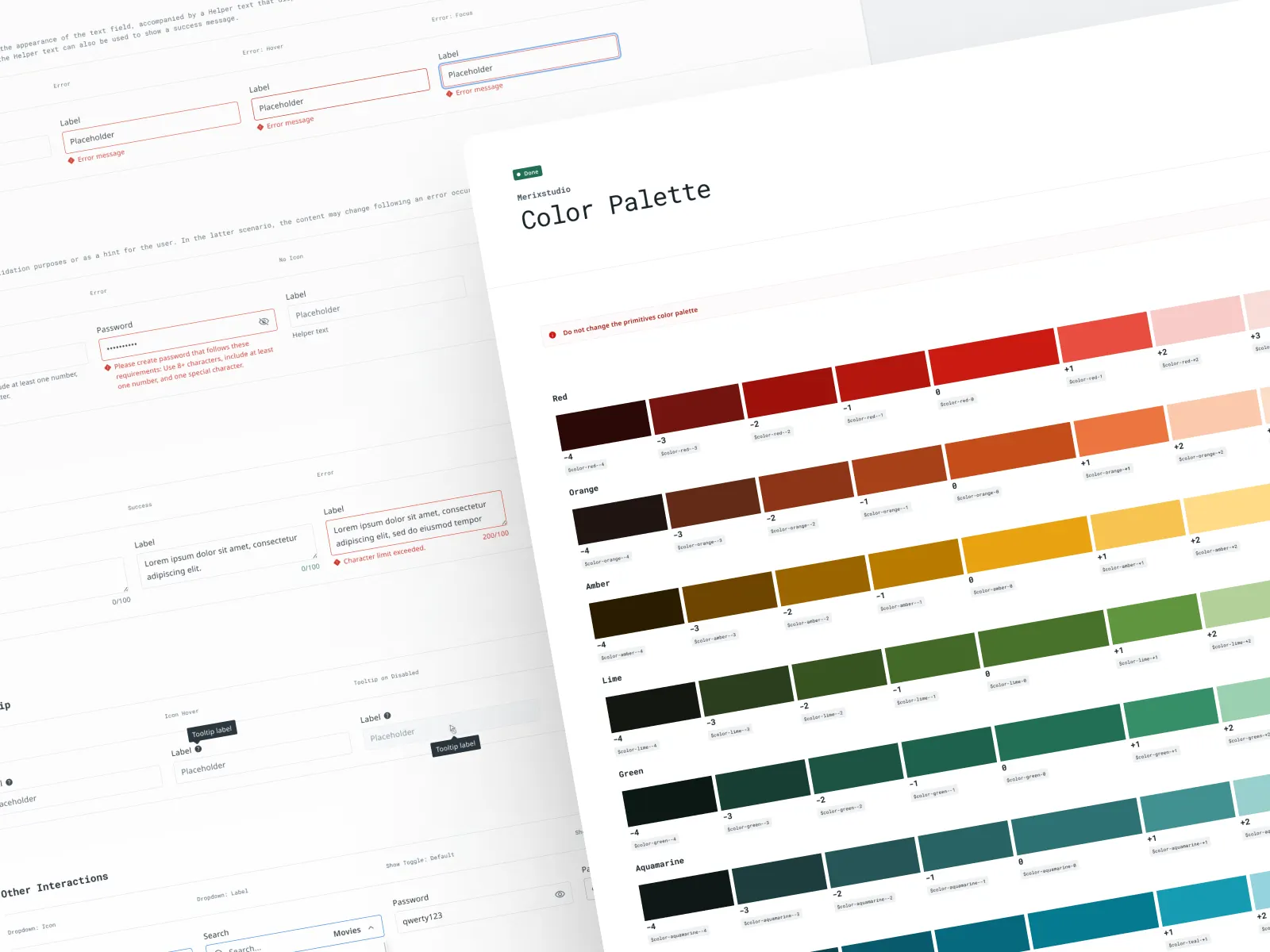
The real magic in an AI‑friendly design system sits at the token level. Tokens are already the smallest pieces of style, but in 2026 they are also how AI tools understand the system. If my tokens are just “blue‑500” and “blue‑600” with no meaning, the AI has no clue which one belongs on a primary button or a warning banner.
So I try to:
Use semantic names like “button‑primary‑bg” or “text‑muted” instead of only raw color labels.
Add short descriptions that explain intent, not just value. For example, “Used for main actions on light backgrounds.”
Group tokens into clear collections for themes, modes, and brands so AI can swap them safely.
Once that foundation is solid, AI tools can generate new variants, map designs to the right tokens, and even create code outputs for multiple platforms with much less guesswork.
How I keep the system human‑first
Here is the simple mental model I use.
Step one, define the rules in human language. I write down principles for spacing, motion, tone, and accessibility in plain words before I touch any AI tools. Step two, map those principles to tokens, components, and patterns the system can actually understand. Step three, let AI suggest changes, but require a human review step before anything becomes part of the official library.
That review step matters. Some teams are already using AI agents to watch their repositories and block changes that break brand or accessibility rules. I like the opposite power too: AI can surface patterns that real teams keep recreating, then I can decide whether to bless them as new official components.
Guardrails that stop things getting weird
When AI can create new components or tweak tokens, you need brakes, not just an accelerator. I lean on a few simple guardrails.
Automated tests that check contrast, spacing scales, and responsive behaviors across the whole system.
Clear “no go” zones, like brand colors or core typography, that AI tools are not allowed to rewrite.
A change log that shows which updates came from AI suggestions and who approved them.
This mirrors what a lot of enterprise teams are moving toward. They use AI to scan for design drift and enforce standards, while keeping humans accountable for the final decisions.
What this feels like for designers on the team
On a good day, an AI‑powered system should feel like a safety net, not a boss. Designers get nudges when they drift outside tokens, suggested components that match the system, and quick helpers to fill in docs or states they forgot.
New team members can ramp faster too. Some tools now generate personalized onboarding, showing relevant components and examples based on a designer’s role and the files they touch. Instead of reading through a huge wiki, they learn by doing, with AI pointing out system patterns in the work they already have open.
Why “staying human” still matters
By 2026 a lot of organizations use generative AI in their design process, and many are starting to embed it straight into their systems, not just their workflows. That is exciting, but it also means the decisions baked into a system spread faster and wider than before.
For me, keeping things human comes down to three habits. Write the rules in clear language first. Give AI work that fits its strengths, like pattern spotting and automation. Keep a real person responsible for taste and ethics. If those three are in place, an AI‑powered design system can feel less like a robot running the show and more like a quiet partner that helps the team ship better work.